
Direct sources. Clear status. Practical public information.
An unexpected security alert creates pressure: click now, call now, reset now. That urgency is exactly why the first action should be small and reversible. Do not use the message’s link, attachment, QR code, phone number, or reply route to decide whether the message is real.
The Federal Trade Commission advises people asked to log in through an email or text to go to the company’s website on their own. CISA likewise advises direct navigation to verify an alert’s legitimacy. The message is a lead; the provider’s official account surface is the verification route.
The seven-step official-route check
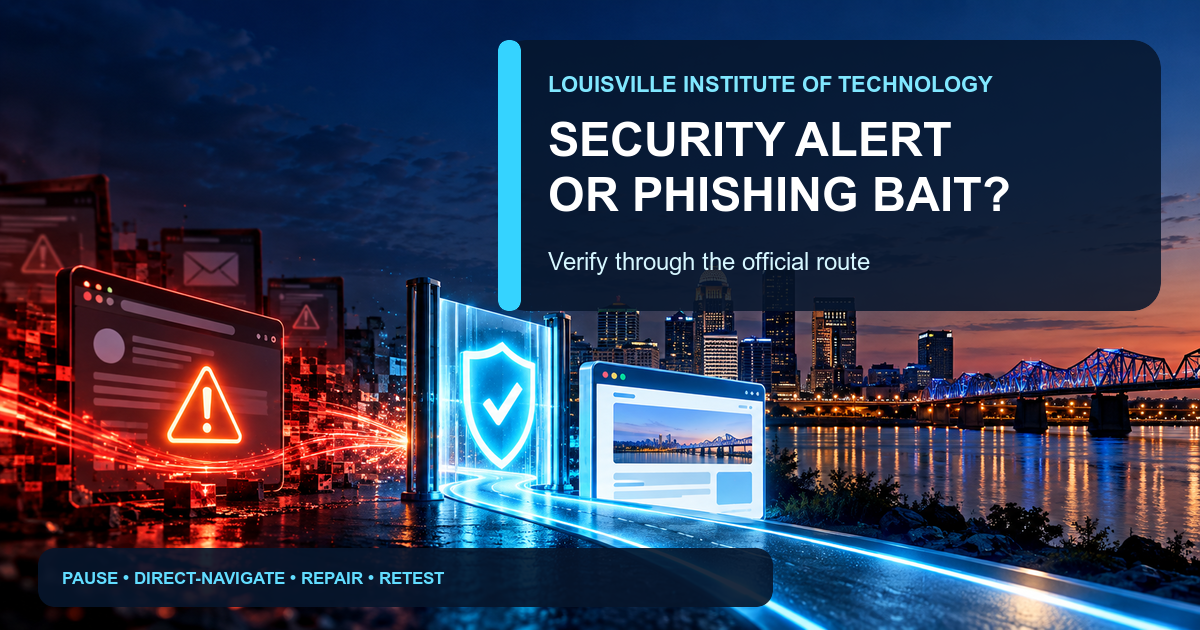
- Pause: do not click, download, reply, call, scan, approve a push, or share a code.
- Preserve minimally: note the received time, claimed provider, claimed event, and message channel. Avoid copying private message bodies or account data into public tools.
- Direct-navigate: use a trusted bookmark, a manually typed official address, or the provider’s known app. Do not copy the message URL into the browser.
- Check the official state: look for the provider’s own security-alert center, recent sign-ins, devices, sessions, recovery changes, billing activity, or support notice—only within the account you own or are authorized to administer.
- Classify: mark the message verified real, not shown on the official surface, or still unknown. “Not shown” is not universal proof of fraud; providers differ in what they display.
- Repair through the official route: if the alert is real or compromise is reasonably suspected, follow the provider’s official recovery flow, change exposed/reused credentials, review sessions and recovery methods, enable the strongest suitable MFA, and escalate to an authorized administrator or qualified professional when needed.
- Retest and record: confirm the account works through the official route, confirm unauthorized sessions or changes were addressed, record the bounded result, and stop if identity, authority, money, regulated data, or incident-notification duties are unclear.
A privacy-minimized evidence card
| Field | Safe record | Keep out of public AI or public copy |
|---|---|---|
| Alert | Date/time, channel, claimed provider, claimed event. | Full headers, private body, account number, personal identifiers. |
| Verification route | Official app/bookmark/manual domain and the page checked. | Passwords, MFA codes, recovery keys, session tokens. |
| Official state | Verified real, not shown, unknown, or provider-confirmed false. | Private device names, IP addresses, precise locations, audit logs. |
| Repair | Action category, authorized owner, completion time. | New credentials, private configuration, security answers. |
| Retest | Expected access restored; unauthorized state addressed or escalated. | Screenshots containing personal or business-sensitive data. |
What AI can safely help with
AI can help create a blank checklist, explain general provider-neutral terms, or turn a sanitized scenario into questions for an authorized administrator. Do not paste a real alert, email header, password-reset link, credential, code, account identifier, contact list, log, customer record, or internal configuration into a public AI service. AI cannot authenticate the message or provider account.
Repair, retest, evidence
A security check is incomplete when it stops at “probably phishing.” If anyone clicked, downloaded, replied, disclosed information, approved a prompt, installed software, or granted remote access, use the official incident and recovery route immediately. An infected or remotely controlled device may need isolation and qualified review. For a business, preserve the organization’s incident procedure and decision authority; legal, contractual, insurance, regulator, and customer-notification duties depend on the facts.
Family and classroom boundary
Young people should perform this exercise only with a parent, teacher, or authorized adult, on a family-owned or classroom-authorized account, using a synthetic example when possible. The adult owns account recovery, evidence handling, reporting, and any provider contact. No child should publish a real alert or private account screen.
What Louisville Institute of Technology can contribute
Louisville Institute of Technology can teach a provider-neutral direct-navigation drill, a privacy-minimized evidence card, and the repair–retest–evidence loop. LIT does not authenticate a specific message, operate another person’s account, guarantee recovery, or replace the provider, authorized administrator, incident responder, insurer, regulator, law enforcement, attorney, or other responsible professional.
Official sources
- Federal Trade Commission — Cybersecurity for Small Business
- CISA and FBI — Protecting Accounts Against Phishing
Sources observed October 29, 2026. Provider interfaces and recovery options differ and can change. Use only accounts and systems you own or are explicitly authorized to administer.
Public-information notice: This Pulse is a dated, source-linked research summary for general educational use. It reports what the cited sources state or what the identified public record shows as of the date reviewed. Citation does not mean endorsement, partnership, certification, or independent confirmation of every third-party assertion. This is not individualized legal, medical, tax, accounting, investment, insurance, cybersecurity, licensing, regulatory, procurement, employment, real-estate, or other professional advice. Rules, facts, availability, and eligibility can change. Verify the controlling source, jurisdiction, effective date, and your own facts, and consult the responsible agency or a qualified professional before a consequential decision. External links are provided for attribution and may change. Use this information and any reader-controlled checklist at your own discretion and risk.